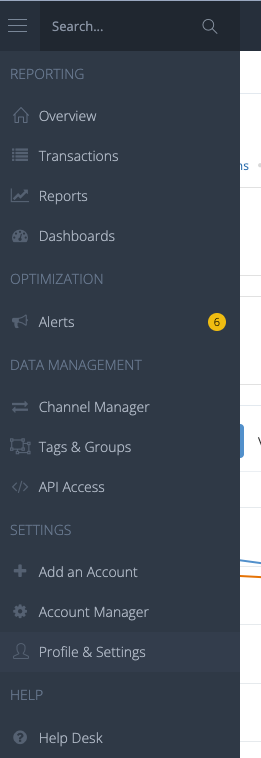
- Log into your Affluent account. On the left hand side, click Profile & Settings:
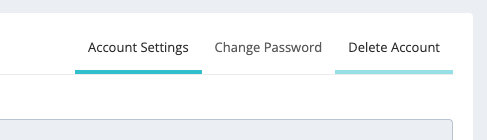
- This will take you to your Account Settings. On the right hand side you will see 'Account Settings', 'Change Password', and 'Delete Account'. Click on 'Delete Account'.
- You will be taken to the screen below where you can click 'Permanently Delete Account'. Please note, once you delete your account you will no longer have access to your profile.
English
![affluent-logo_1-1-2-3.png]](https://learn.affluent.io/hs-fs/hubfs/affluent-logo_1-1-2-3.png?height=40&name=affluent-logo_1-1-2-3.png)